Are you ready to simplify your appointment scheduling process and enhance customer convenience? Look no further! In this guide, we’ll walk you through the process of setting up your Keap appointment booking page, ensuring a seamless experience for both you and your clients. Trust 360Growth Marketers to guide you through this user-friendly journey.
Why Use Keap for Appointment Booking?
Keap is a comprehensive business automation tool that goes beyond traditional CRM functions. With its integrated features, Keap makes appointment scheduling efficient and hassle-free. Here’s why setting up your appointment booking page with Keap is a smart move:
Unified Platform: Keap consolidates customer information, communication, and scheduling in one platform, eliminating the need for multiple tools.
Automated Reminders: Keap automates appointment reminders, reducing no-shows and enhancing customer engagement.
Customization Options: Tailor your appointment booking page to match your brand’s identity, creating a professional and cohesive customer experience.
Step-by-Step Guide to Setting Up Your Keap Appointment Booking Page
Step 1: Access Your Keap Account
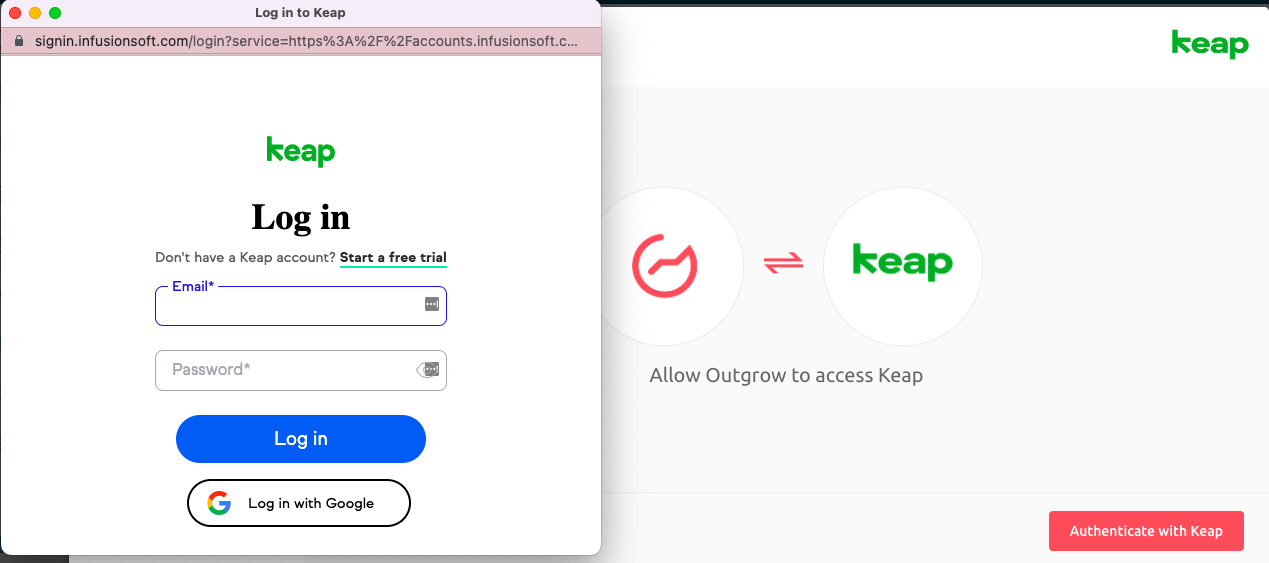
Log in to your Keap account. If you don’t have one, sign up and choose the plan that suits your business needs.
Step 2: Navigate to the Appointments Section
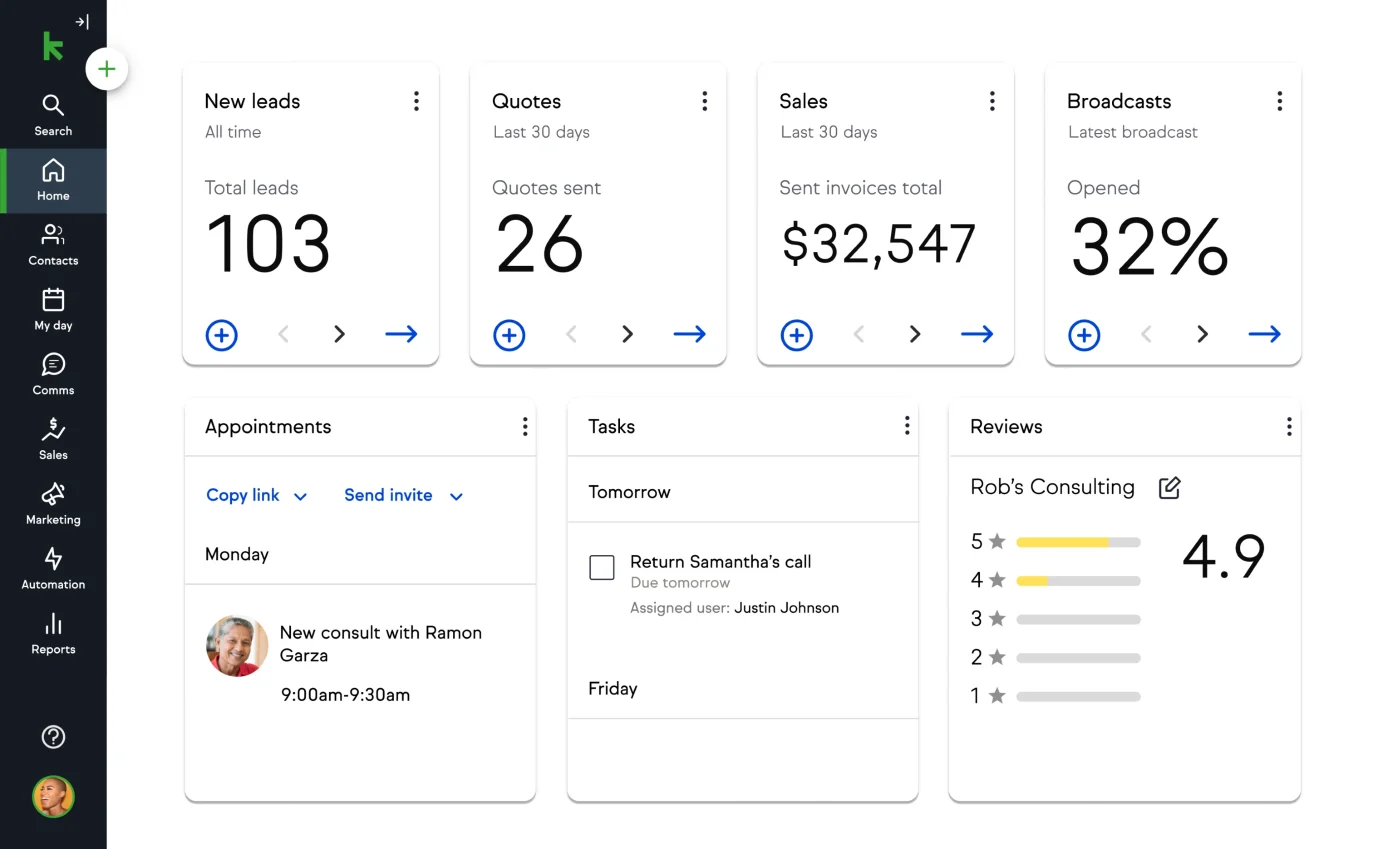
Once logged in, locate the “Appointments” section in the navigation menu. Click on it to access the appointment setting features.
Step 3: Configure Your Appointment Settings
Business Hours: Set your regular business hours to let clients know when you’re available for appointments.
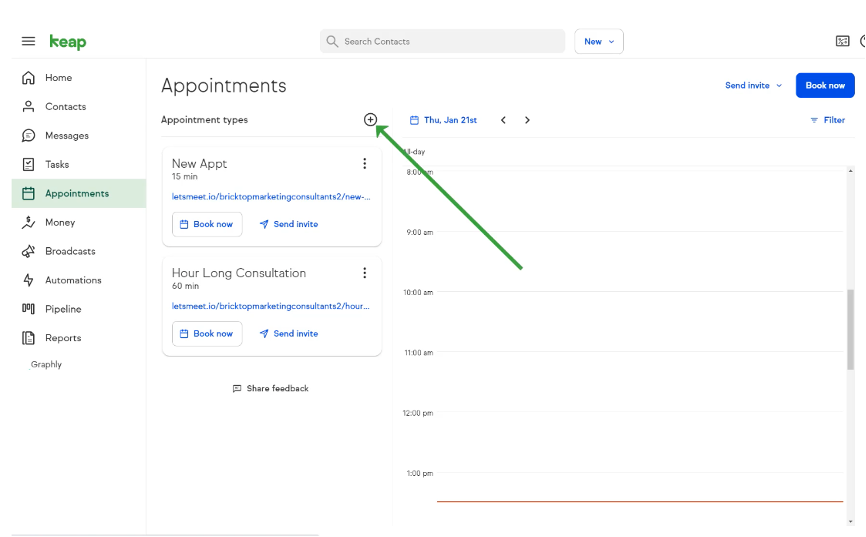
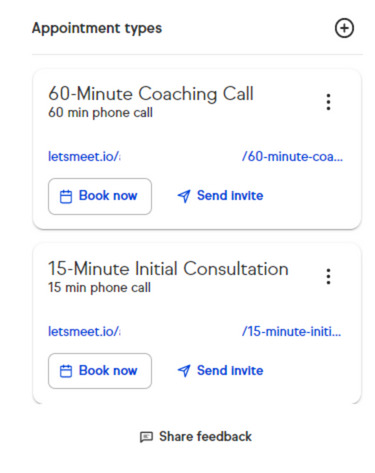
Appointment Types: Define the types of appointments you offer (e.g., consultation, service, follow-up). Customize each type with specific details.
Appointment Duration: Specify the duration of each appointment type to manage your schedule effectively.
Step 4: Personalize Your Booking Page
Branding: Customize your booking page to reflect your brand. Upload your logo, choose brand colors, and add any relevant images.
Introduction: Craft a friendly and informative introduction that welcomes clients to your booking page and sets expectations.
Step 5: Set Availability and Limits
Availability: Indicate when you’re available for appointments. Keap allows you to set different availability for each day.
Booking Limits: Avoid overbooking by setting limits on the number of appointments you can take each day.
Step 6: Define Appointment Booking Rules
Lead Time: Specify how much notice clients must give before booking an appointment.
Cancellation Policies: Establish clear guidelines regarding cancellations and rescheduling to manage your time effectively.
Step 7: Integrate Payment Options (If Applicable)
If your appointments have associated fees, set up payment integration. Keap allows you to connect with popular payment processors for a seamless transaction experience.
Step 8: Embed Your Booking Page on Your Website
Once your settings are configured, Keap provides an embed code that you can integrate into your website. This ensures that clients can easily access your appointment booking page directly from your site.
Why Choose 360Growth Marketers for Keap Appointment Booking Page Setup?
Expertise in Keap Integration
360Growth Marketers specializes in Keap integration and customization. Our team ensures that your appointment booking page aligns with your brand identity and seamlessly integrates with your existing processes.
Personalized Guidance
We understand that every business is unique. 360Growth Marketers provides personalized guidance to tailor Keap’s features to suit your specific needs, maximizing the benefits for your business.
Ongoing Support and Optimization
Our commitment doesn’t end with setup. 360Growth Marketers offers ongoing support, ensuring that your Keap appointment booking page remains optimized and evolves with your business requirements.
Conclusion: Simplify Your Scheduling with 360Growth Marketers and Keap
Setting up your Keap appointment booking page is a strategic move toward efficiency and customer satisfaction. With 360Growth Marketers by your side, this process becomes not only user-friendly but also tailored to elevate your brand’s professionalism and streamline your operations.
Choose 360Growth Marketers – Your Partner for Keap Appointment Booking Page Setup, and transform your scheduling process into a seamless and enjoyable experience for both you and your clients.