

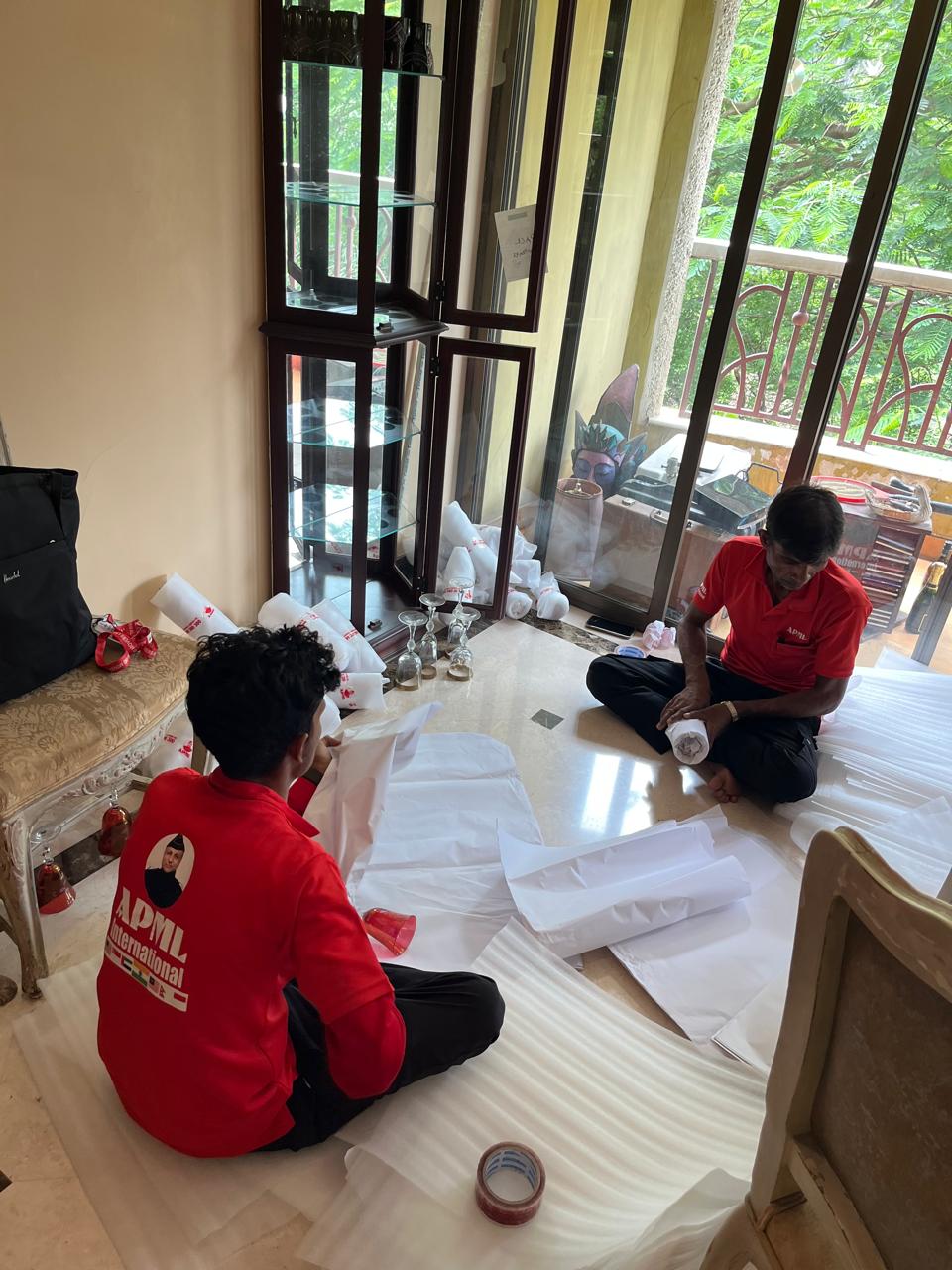
When you work remotely, it becomes easier to take care of other things while your work schedule is ongoing. It’s a great benefit of working from home, but moving homes with such a schedule becomes really difficult.
But with assistance from reliable removalists in Singapore, you can move easily and set up your office with the least downtime. Besides, if you are busy working on an important project, it’s better to hire professionals so that you can work while they pack.
Therefore, read this blog for useful tips and insights. This way, you can move and setup yout home office seamlessly. Dive in before hiring a cheap house mover in Singapore.
How Do I Pack My Wi-Fi Router For Instant Day-One Setup?
Your Wi-Fi router is the key to connecting all the smart devices, so move it this way-
Keep Core Network Gear in a Hand-Carry Bag
Never pack your main fibre modem, mesh routers, and power adapters into the general moving truck.
Photograph Cable Ports Before Unplugging
Take a clear smartphone photo of the back panel wires so you can plug them back in identically on night one.
Label Network Wires with Colored Tape
Wrap distinct colored tape around your main internet cables to distinguish incoming lines from LAN wires.
Remember to keep a long Ethernet cord handy in case your temporary desk sits further from the new fibre points.
What Is The Best Way To Pack Multiple Monitors Safely?
When packing all the monitors for the move, do it this way-
Wrap Screen Faces in Soft Microfiber Cloth
Shield delicate monitor displays with soft towels before wrapping them in heavy industrial plastic layers.
Pack Monitors Face-Down on Flat Surfaces
Place screens flat on cushioned surfaces inside your car’s back seat rather than stacking them upright in trucks.
Use Original Box Styrofoam Inserts
Factory packaging offers the absolute best shock absorption against bumpy estate roads and speed humps.
Bundle Desktop Monitor Arms Separately
Detach heavy metal mounting arms so they don’t swing and smash into your fragile display glass panels.
This way, your valuable monitors will saty intact on the move and can be transferred safely, even if you are moving DIY.
How Do I Ensure My Smart Lighting Works After Post-Move Reinstallation?
First, hire reliable removalists in Singapore to get rid of the electronics, lights, fans and old monitors responsibly for a thorough cleaning.
Keep Physical Light Switches Turned On
Ensure wall switches stay flipped on so your smart bulbs can receive wireless signals instantly.
Update Hub Location Data in the App
Change your home address coordinates inside your smart home app to keep sunset automation triggers correct.
Bring a Simple Dumb Lamp as a Backup
Keep one standard plug-and-play lamp in your office box in case your smart mesh network takes time to sync.
Keep Smart Bridges Near the Main Router
Position your Zigbee or Philips Hue bridge right next to the new router layout for maximum signal reach.
You’d need expert help to reinstall the smart lighting in your new home. If possible, set up the lighting first so that you can check if the utilities are working just fine after the move.
What Goes Into A “Day-One WFH Survival Box”?
For a home office move, the essentials might be different from those of just a first-aid kit and cleaning supplies.
Pack Your Laptop, Charging Brick, and Mouse
Keep your primary work tools with you personally so you can open up and type from anywhere.
Include a Heavy-Duty Multi-Plug Extension
Bring a 4-way extension trailing socket to power your laptop, monitor, phone, and desk lamp together.
Stash Noise-Cancelling Office Headphones
Noise-cancelling headphones are vital to block out the sounds of neighbours unpacking or drilling walls.
Pack Instant Coffee and a Travel Mug
Keep your favourite caffeine supply and a thermal mug in this box to power through the morning rush.
Having a day-one survival box will ensure that you don’t have to open up multiple boxes to find the right accessories for the setup.
How Do I Troubleshoot Fibre Broadband Delays In SG?
To avoid any delays in the post-move setup, you must book early with smart home consultants. This way, you can move smoothly and get back to work faster.
Schedule NetLink Trust Weeks in Advance
Book your fibre termination point activation early, as slots take up to two weeks during peak seasons.
Test the Singtel or StarHub Modem Early
Plug in your modem on a moving night to ensure the broadband light turns solid green before work starts.
Identify Thick Concrete Bomb Shelter Walls
Place your mesh nodes strategically around the bomb shelter to prevent it from blocking Wi-Fi signals.
Keep a 4G or 5G Mobile Hotspot Ready
Ensure your phone data plan has tethering data enabled as a reliable backup if the fibre connection fails.
For a smoother setup, find a cheap house mover in Singapore that can get you in touch with or already has in-house professionals to help with smart device setup.
FAQs
What not to do when moving house?
When you’re moving homes, do not wait until the last minute to book with movers. Also, do not pack carelessly without proper weight distribution and enough cushioning material.
How to move on a low budget?
To move within a limited budget, you can compare multiple quotes and find the most cost-efficient moving company that fits your budget.
What are the hidden costs of moving?
The hidden costs of moving include broken valuables and damaged appliances, which you have to bear the cost of moving/repairs.
How to save money on movers?
Always be on the lookout for offer prices, and book with movers in off-peak season, mid-week, and be flexible with any move schedule.
What is a generous tip for two movers?
For a small-scale move for just a few hours, you can tip each of the movers a minimum of SGD 20-50.
Takeaways
Moving your home office involves expert handling of all the electronic equipment and a quick setup post-move. This can only be achieved with assistance from reliable removalists in Singapore, as the experts should handle the delicate electronics.
Moreover, if you are planning to move DIY, you must sort and mark your cables for an efficient reinstallation. Colour code according to devices, and if required, you can number them as per the setup order.
This way, you can move easily, set up and get back to work in just one day!


